It reads, it doesn't guess
Kills, headshots, clutches and aces are literal events recorded inside the demo file. Finding them is parsing, not inference — which is why there is nothing to host and nothing to charge you for.
Counter-Strike 2 · Windows
Point fragflow at the folder your demos land in. It finds the aces, the clutches and the multi-kills on its own, then renders them using the copy of CS2 you already own — so the headshot pings and body hits are the real thing, not an approximation.
Free and MIT-licensed. No account, no subscription, nothing uploaded — your demos and your renders never leave your machine.
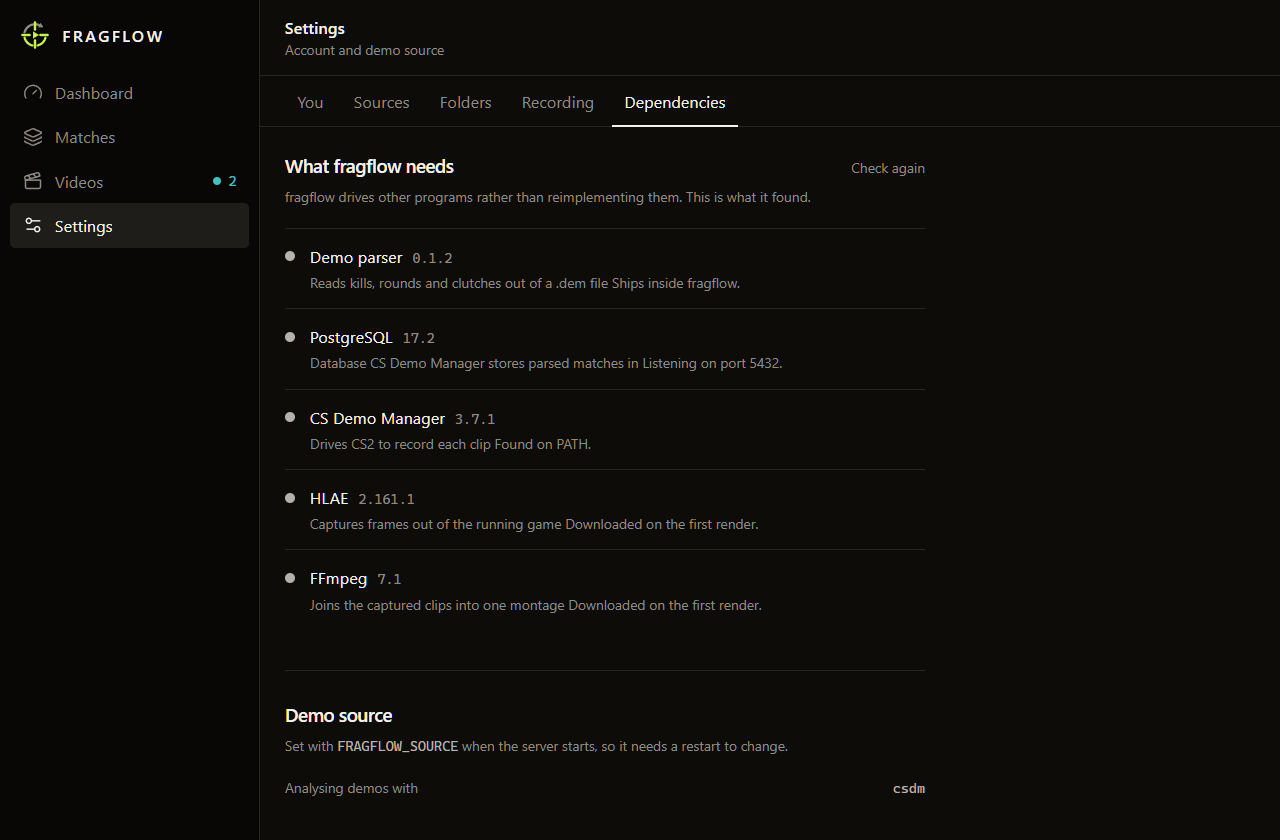
Before rendering: install CS2, PostgreSQL 17+ and CS Demo Manager. Read the full setup checklist.
Four screens, and only two of them need you. Here is the whole application, start to finish.
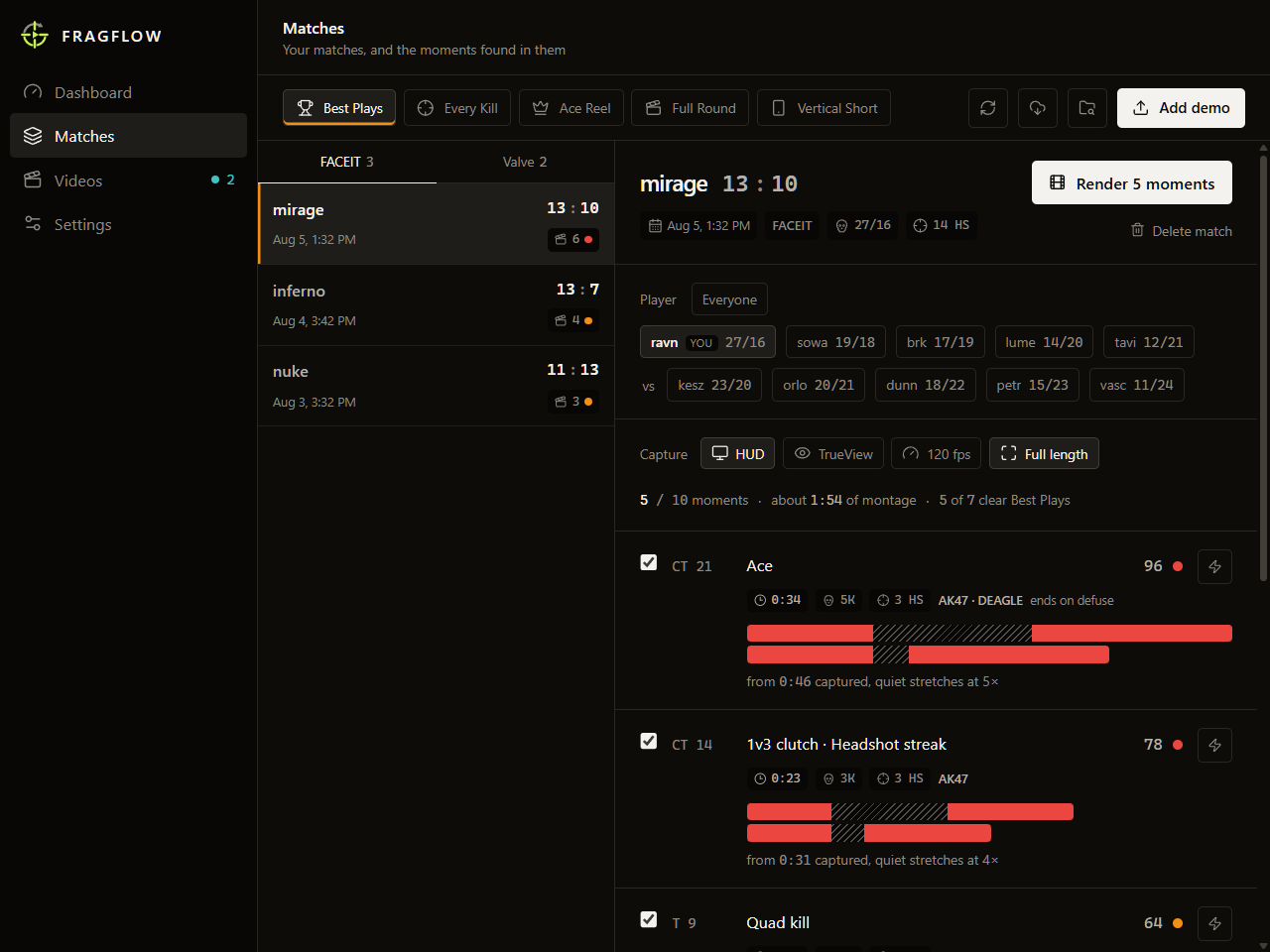
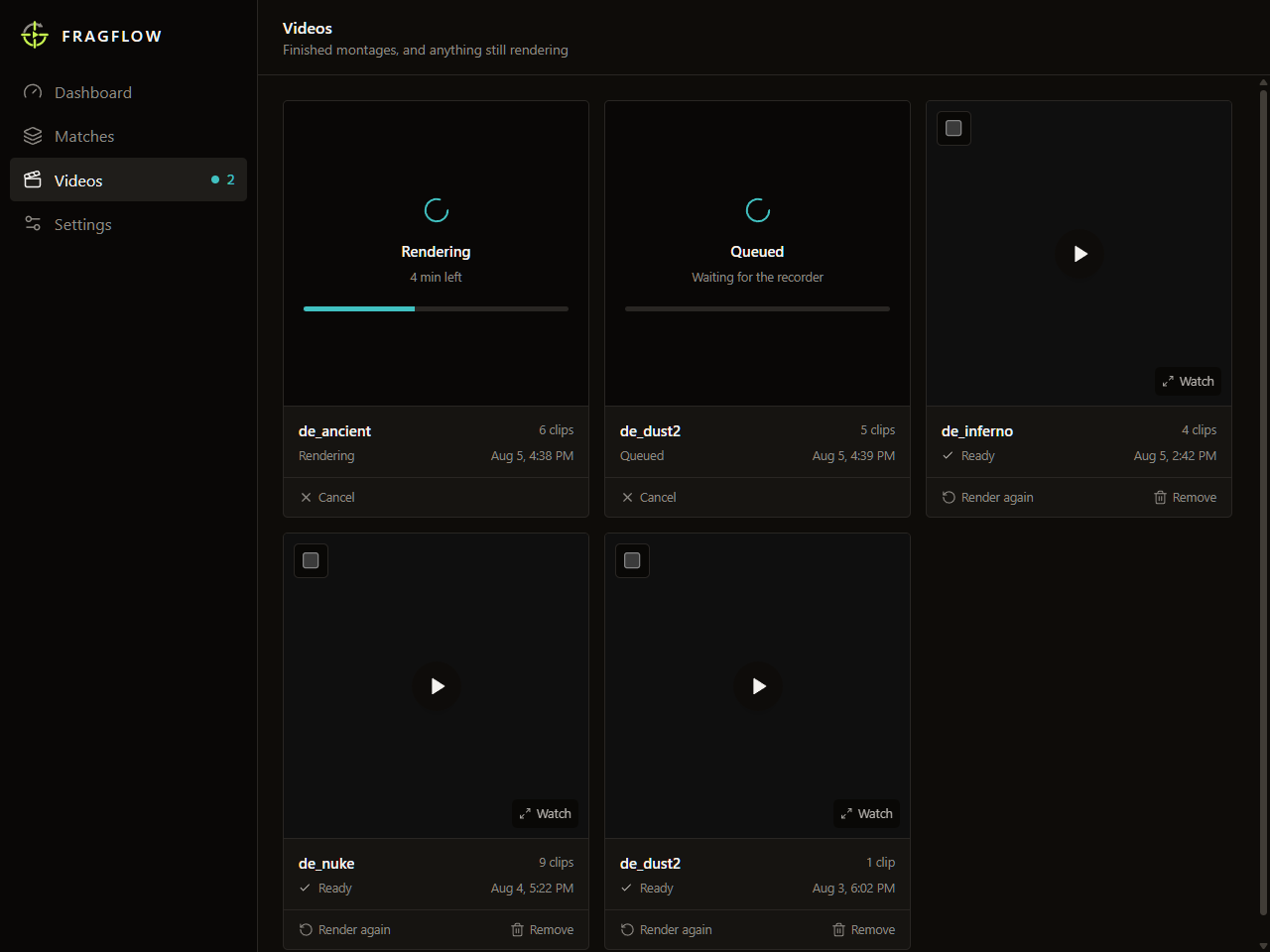
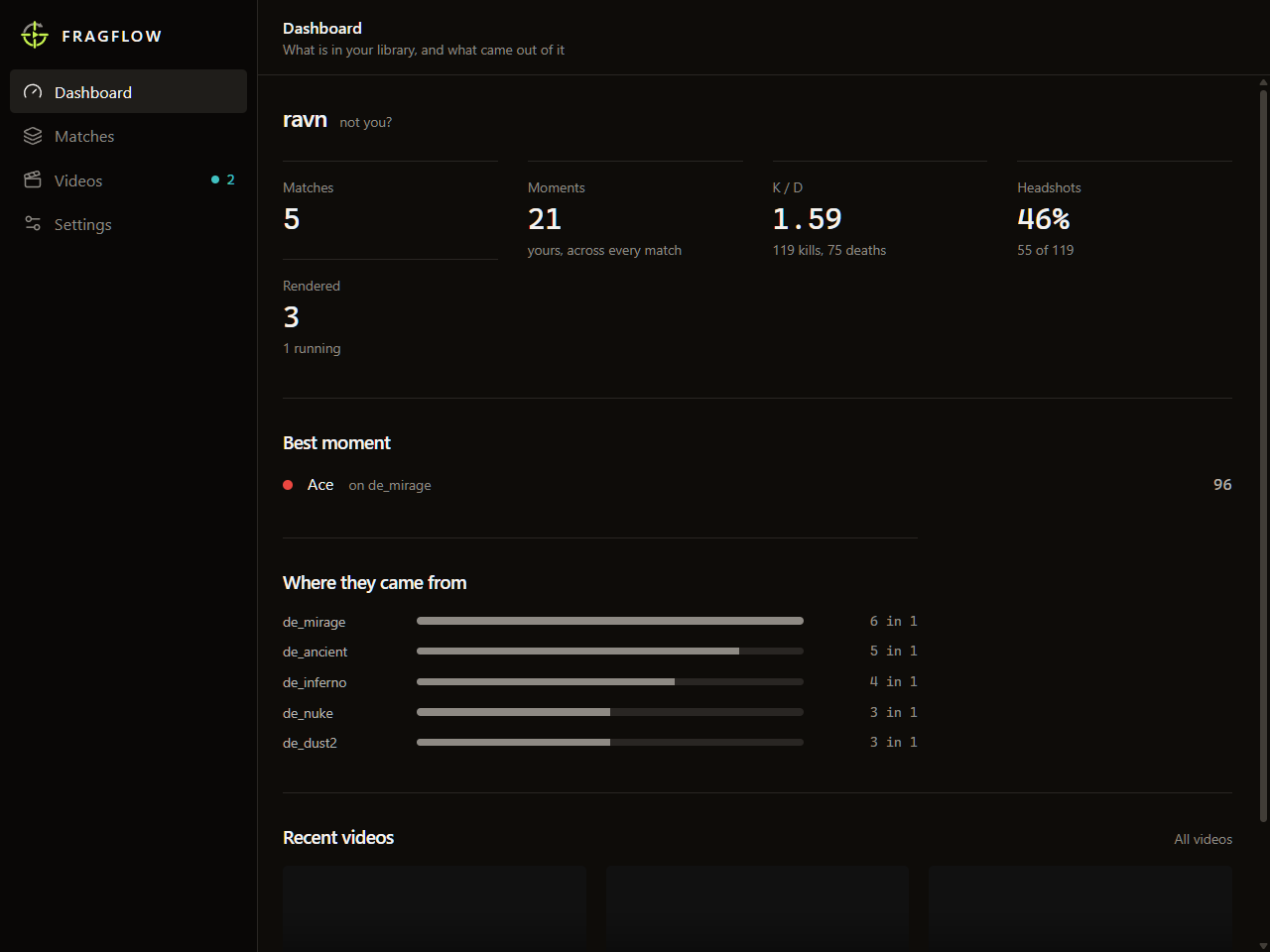
Kills, headshots, clutches and aces are literal events recorded inside the demo file. Finding them is parsing, not inference — which is why there is nothing to host and nothing to charge you for.
Clips are recorded by driving the actual game engine, so what you hear is what the round sounded like. Nothing is reconstructed from a sound library afterwards.
New demos are analysed the moment they appear in the folder, so the moments are waiting for you. The per-clip controls are there for when you disagree, not as a toll booth in front of your first video.
Most highlight tools cut the time between your kills. You get four frags with the connective tissue removed — no rotation, no reload, no defuse. Dense, but flat. fragflow makes it your call.
Just the action, stitched tight.
One continuous take, nothing removed.
Continuous, but rotations, plants and defuses fly by. Speed adapts to the length of the gap, so the pacing stays even whether you rotated for six seconds or forty.
Finding highlights works immediately. Recording drives CS2 through CS Demo Manager, so complete this checklist before your first render.
bin folder to PATH so psql workscsdm runs
If csdm is not found, add
C:\Users\<you>\AppData\Programs\CS Demo Manager to PATH, then restart
fragflow. See the
official CS Demo Manager setup guide
for database and PATH troubleshooting.
fragflow quietly lets you know when an update is available. Download and install it from Settings when you are ready.
Loading releases…